London · Tutorial video guide
Tutorial Video Production: Screen, Hands and Voice That Actually Teach
How we make tutorial videos that teach: one task per video, the whole screen, a step label, one voice line per step and captions, with frames from the LighRent help centre and our kit tutorials.
- Words and camera
- Joshua Swain
- Published
- Reading time
- 4 min
- Filed under
- Guide
In brief
- Each runs 18 to 25 seconds, in 9:16 at 1440x2560 and 60fps, with a caption file and a poster image, and each sits inside the help article it explains.
- We film kit tutorials top-down, with the parts laid out first and then built up one by one by hand.
- We write one short sentence per step, then time each step so its line finishes before the next tap.
- Write every tap or hand action as a numbered step with its one-line voiceover before you record anything.
Contents 5 sections
“A good tutorial is boring in the best way. One step, one screen, one sentence, then the next.”
Tutorial videos teach someone to do one thing: book, set up, connect, return. They are judged on one question, "can I do it now?", not on how they look. This guide shows how we make them, using the twelve help-centre videos we made for the LighRent app and the kit tutorials we film with our hands on the table. Every frame here is from those videos.

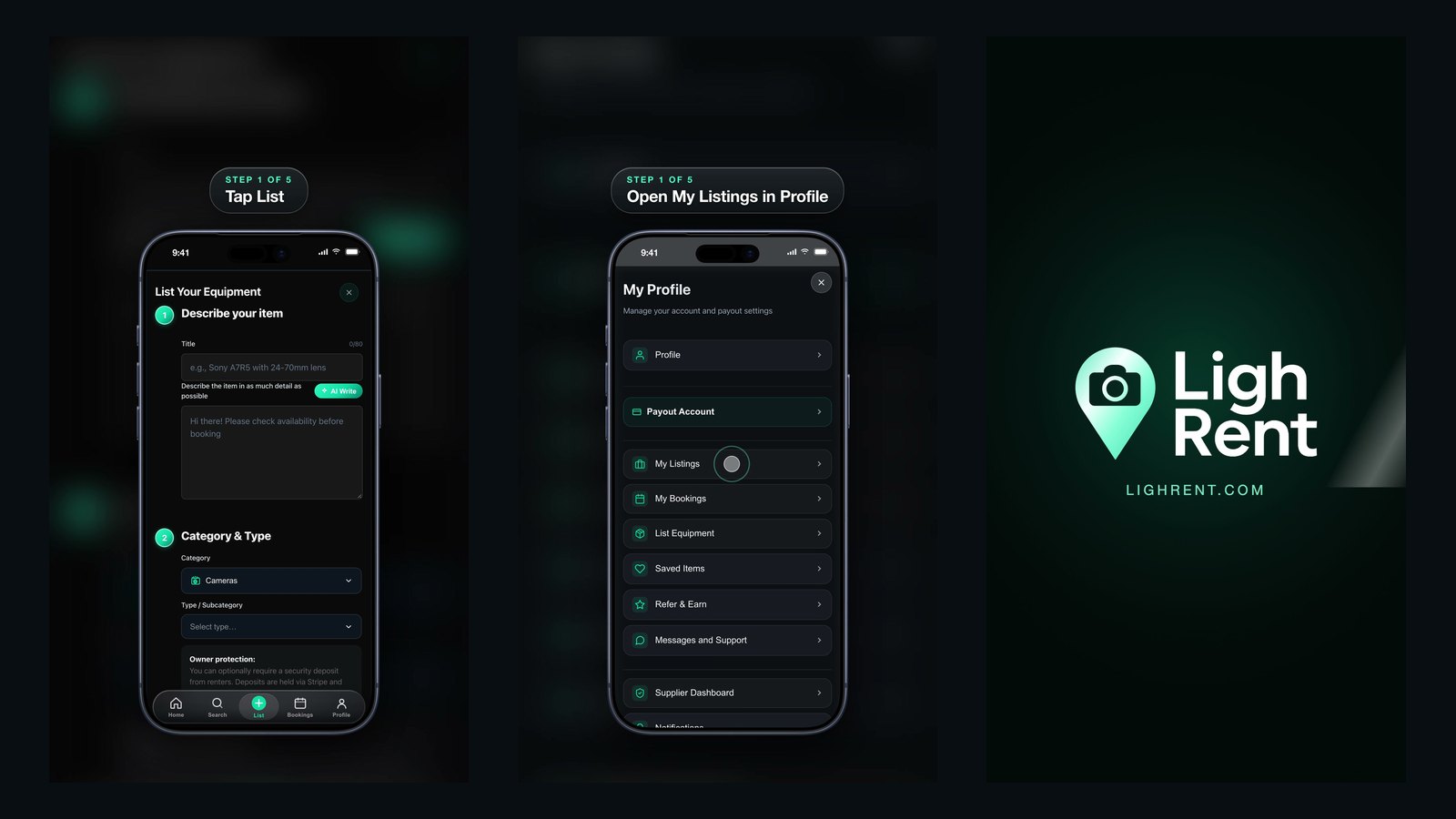
Two steps from the LighRent help videos, October 2026. Demo data only, no real customers.
The short version
- One video teaches one task. If the title needs "and", make two videos.
- Show the whole screen or the whole object. Never crop away the button people need to find.
- Label every step ("Step 2 of 5") above the action, not on top of it.
- One voice line per step, and it finishes before the next tap.
- Captions on every line, because most people watch with the sound off.
App tutorial videos: twelve tasks, twelve short videos
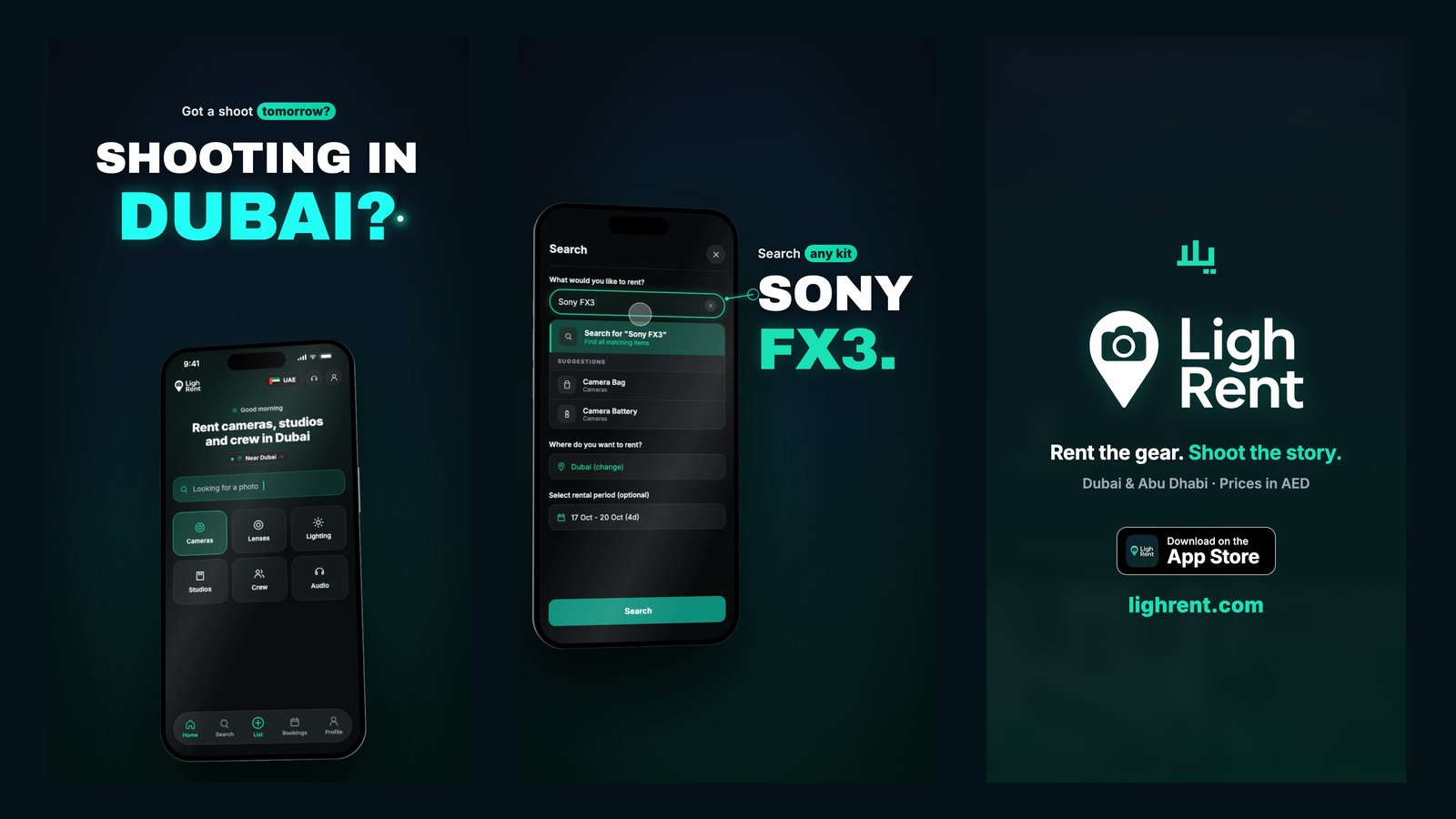
For the LighRent help centre we made twelve vertical tutorials, one per task: how renting works, booking kit, messaging an owner, collecting and returning, listing your gear, managing listings, getting paid, cancelling, requesting delivery, deleting an account and more. Each runs 18 to 25 seconds, in 9:16 at 1440x2560 and 60fps, with a caption file and a poster image, and each sits inside the help article it explains.
| Rule | What we did | Why |
|---|---|---|
| One task per video | 12 videos, 18 to 25 seconds each | People search for one problem; the video should solve exactly that |
| Whole screen | The full phone screen, uncropped, in a phone frame over a blurred background | Viewers match what they see to their own phone |
| Step label | One glass pill, "Step n of m" plus the action, above the phone | They always know where they are, and the label never covers a button |
| Demo data | Captured from a test copy of the app with made-up people and example emails | No real customer, address or payment detail can appear on screen |
| Captions | A caption file for every video | Sound-off viewing and accessibility |
Kit tutorials: film the hands, not the face
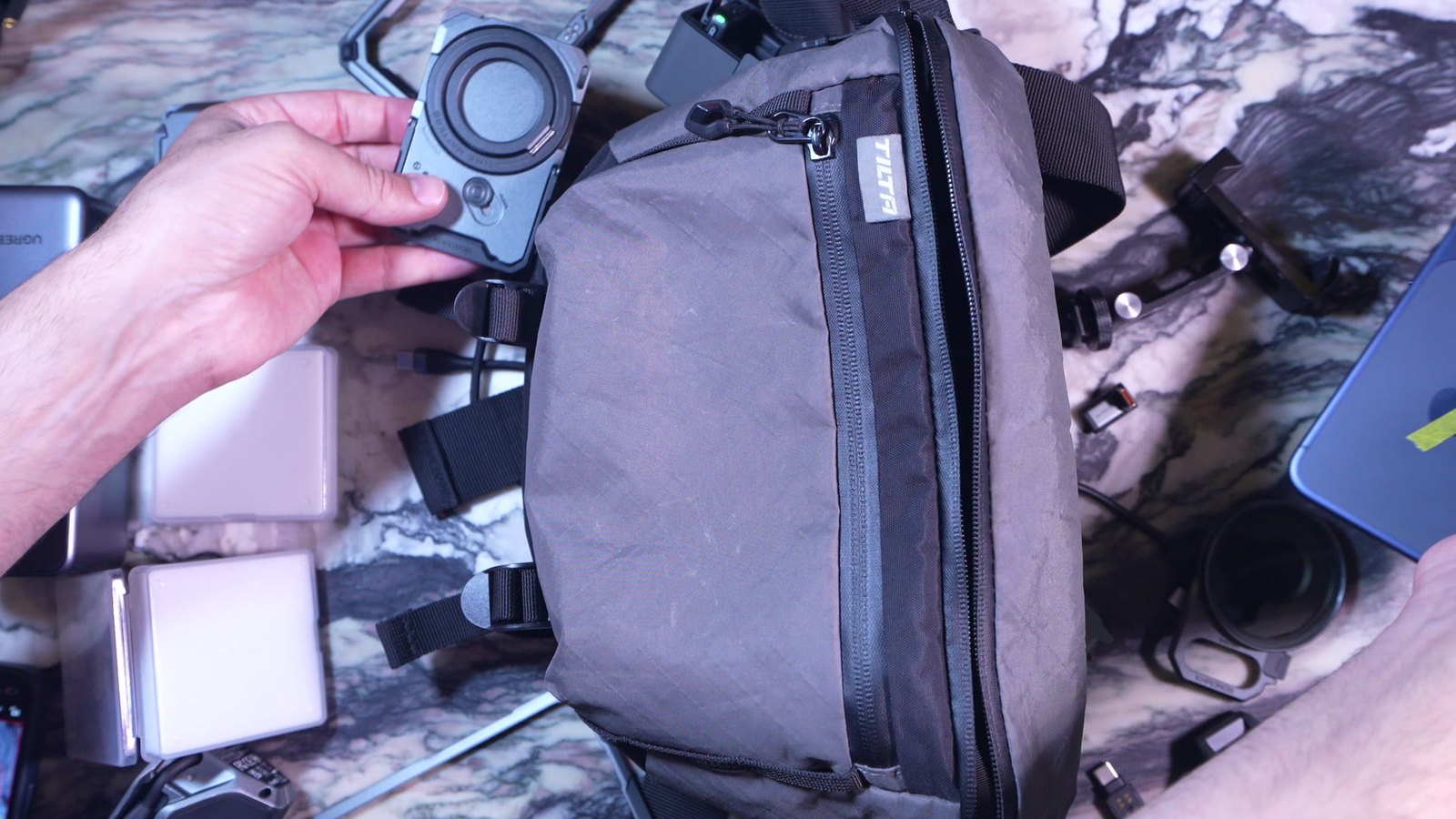
For physical products, the screen is the table. We film kit tutorials top-down, with the parts laid out first and then built up one by one by hand. A flat lay at the start works like a parts list: the viewer can check they have everything before they begin.
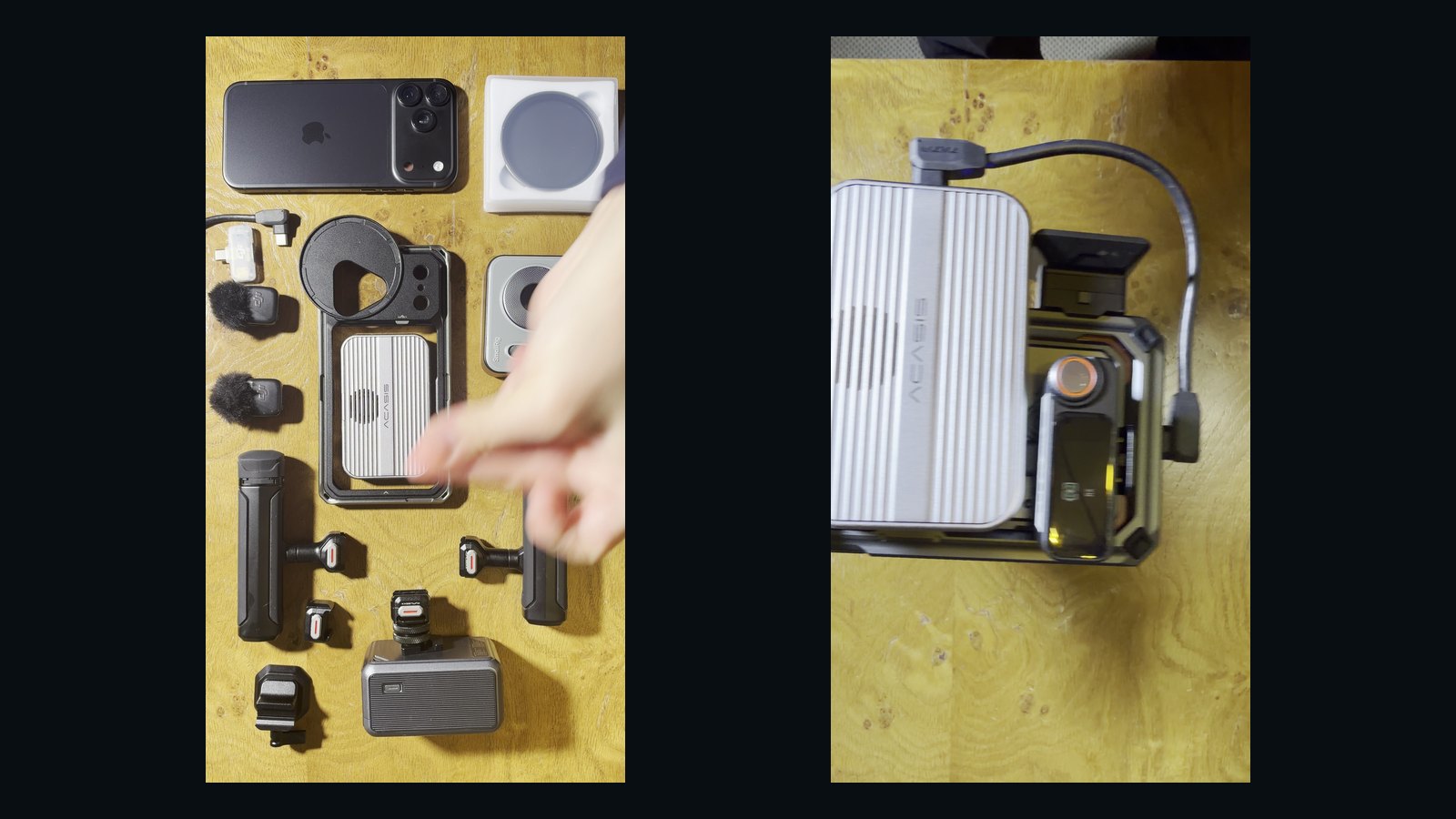
Lock the camera. Overhead on a stand, so only the hands move. Our horizontal rig tutorials were filmed on a Sony A7R V with a 16-35mm lens, wide enough to keep every part in frame.
Slow hands. Every click, clip and cable is done slower than feels natural and held for a second once it is done.
A plain, textured surface. It separates the parts from the table without distracting from them.
Shoot both shapes. Vertical for phones and stories, horizontal for YouTube and the website; see the vertical-first shooting guide.
Write the voiceover to the steps, not the other way round
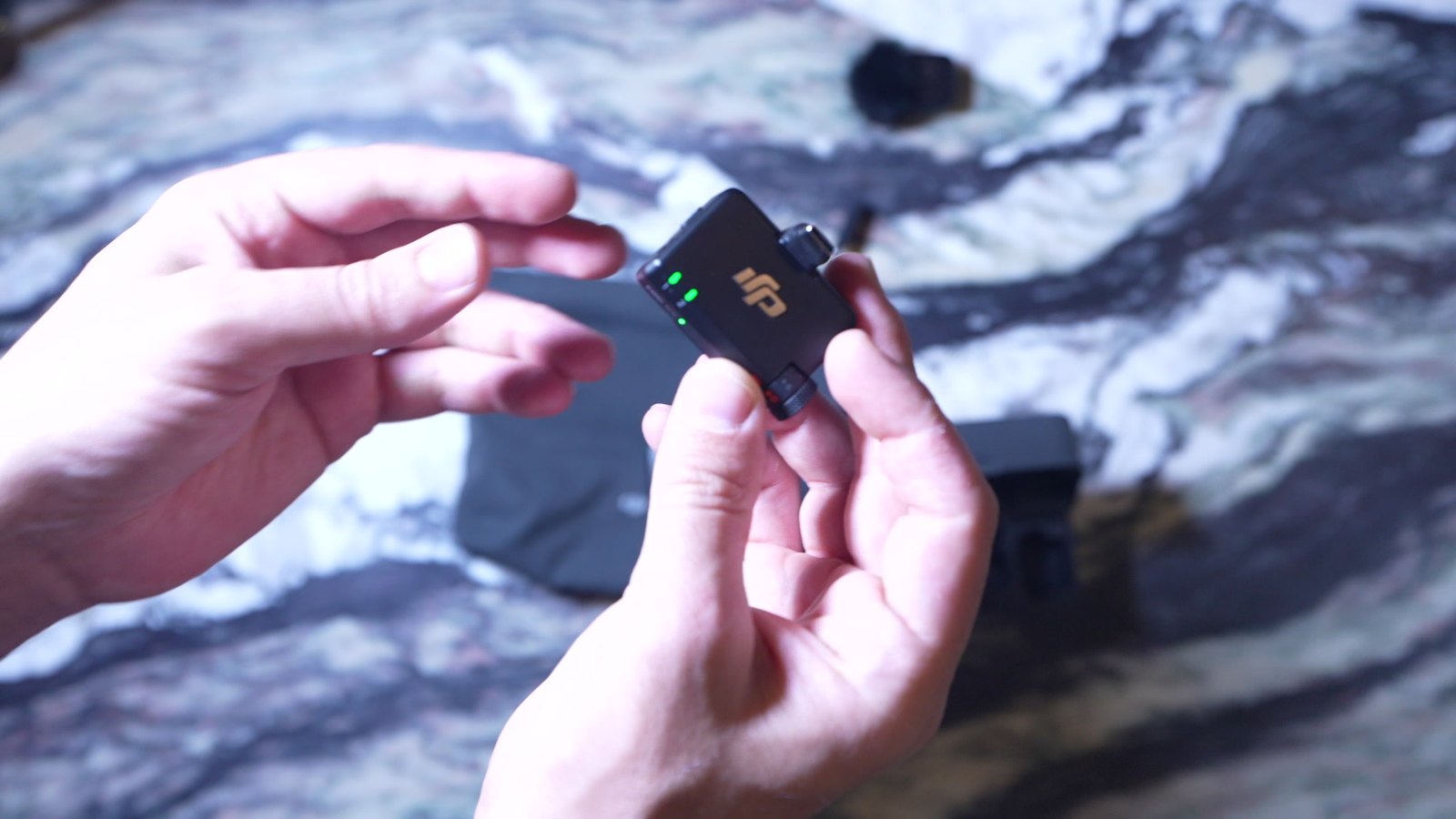
We write one short sentence per step, then time each step so its line finishes before the next tap. "Tap Search and type what you need." "Choose your pickup and return dates." Plain verbs, the exact button names, nothing the viewer has to remember.
For the app videos we used a synthetic voice, which has one practical advantage: when a screen changes in an update, a single line can be regenerated and the video re-cut without a new recording session. For a brand film we would cast a real voice; for a help centre that changes every few months, being able to update one step matters more.
How to plan a set of tutorial videos
List the questions
Start from what customers ask support. Each repeated question becomes one video.
Script the taps
Write every tap or hand action as a numbered step with its one-line voiceover before you record anything.
Make it a template
Same step label, same end card, same length. The tenth video should take a fraction of the time of the first.
The tutorials are one part of the app; the LighRent case study shows the help centre they live in, and the app promo video guide covers the advert side of the same screens.
Questions
How long should a tutorial video be?
As short as the task allows. Our app tutorials run 18 to 25 seconds each, one task per video. A longer process is better as a short series than one long video.
Should a tutorial video have captions?
Yes. Many people watch with the sound off, and captions make the video accessible. We ship a caption file with every tutorial.
How do you film an app tutorial without showing customer data?
Record on a test copy of the app filled with made-up people and example details, so nothing private can appear on screen.
What is the best angle for a product tutorial?
Top-down with a locked camera, so only the hands move and every part stays in frame.
Work with SwainUK
Planning a shoot like this?
Commercial film and photography in London and Dubai: concept, crew, lighting, shoot and edit, from one team.