
London · Guide for filmmakers and creators
“Most people will watch it vertical. The client will still want the horizontal.”
Nearly every brief now needs both: 9:16 for Reels, TikTok and Stories, and 16:9 for the website, YouTube and presentations. You can shoot twice, shoot once and crop, or shoot vertical natively. Each works, if you plan for it. Here's how to choose, how to frame so both versions work, and the kit that makes it easier.
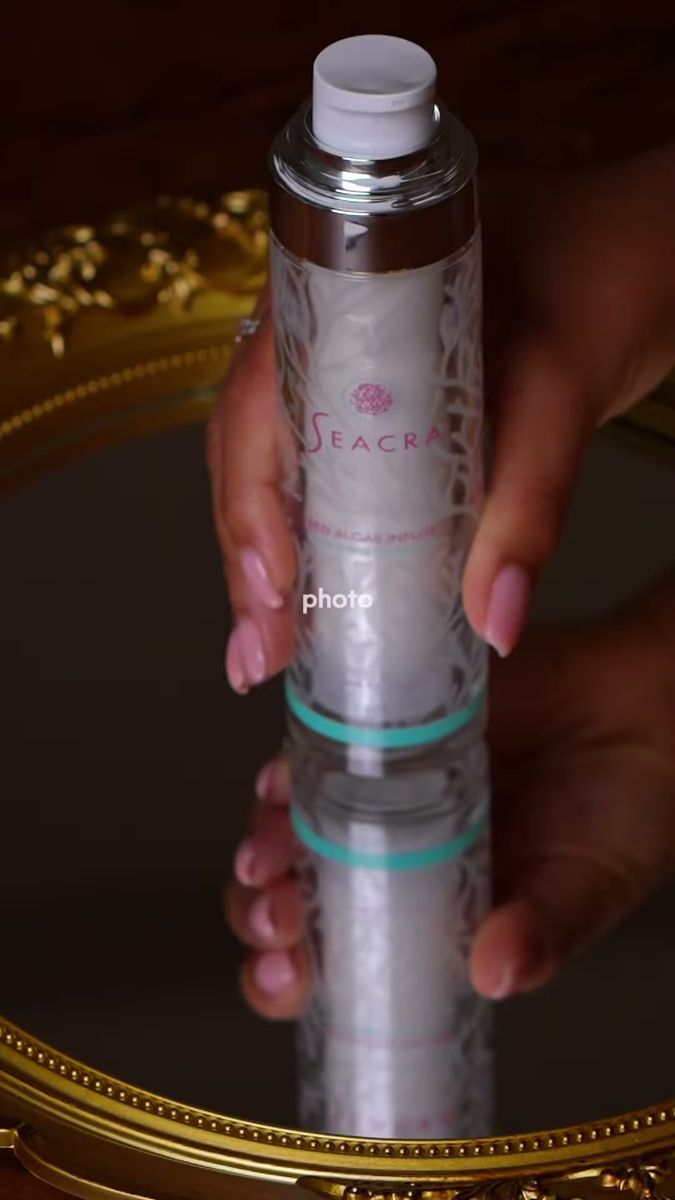
Shot vertical for the feed · Seacra
01 · Three ways
Shoot twice, crop, or shoot vertical
| Approach | Best for | Watch out for |
|---|---|---|
| Shoot both orientations | Hero moments where both versions must be perfect | Doubles the takes and the time |
| Shoot horizontal, crop to vertical | Fast documentary and event work | A 9:16 crop from 16:9 uses under a third of the width. Shoot 4K or open gate |
| Shoot vertical natively | Social-first ads, street interviews, product content | The horizontal version will need a different edit |
02 · Framing
Frame for the centre third
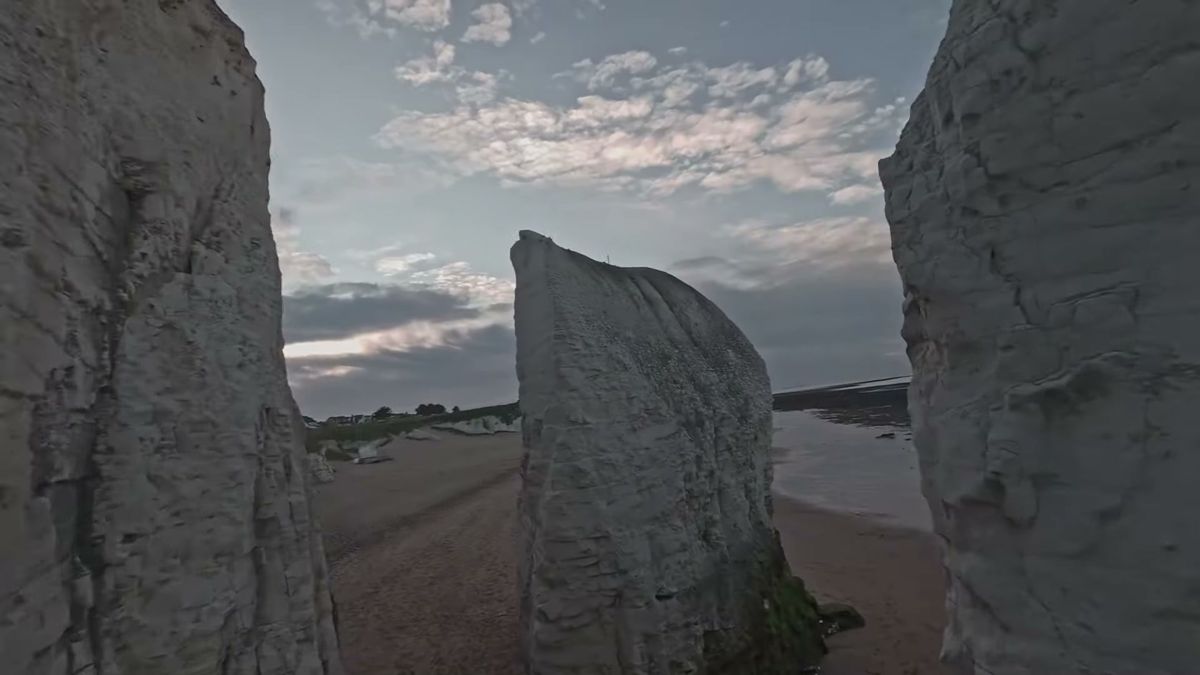
The marked area is what survives a 9:16 crop from a 16:9 frame.
A vertical crop from a horizontal frame keeps roughly the middle third. So if you shoot horizontal and crop, keep the subject and the product inside that centre band, give a little extra headroom, and avoid fast sideways moves that leave the vertical frame empty.
Mark it: most cameras and monitors can show a 9:16 guide. Turn it on.
Resolution: shoot at least 4K so the vertical crop is still sharp at 1080 wide.
Open gate: cameras and phones that record the full sensor give the most room to reframe.
03 · Native vertical
When to rotate the camera


Native vertical: Seacra, IBV Gold and Vitzou.
For content that only lives in the feed, shooting vertical natively uses the whole sensor and makes framing faces and products easier. Our skincare, ad and street interview work is mostly shot this way. Gimbals like the DJI RS 4 Pro switch to vertical without extra accessories, and phone rigs simply turn the phone.
Source: Heliguy, DJI RS 4 Pro native vertical shooting.
04 · The edit
Edit each version for its screen
Different pace
Vertical edits are usually faster and start on the hook. Horizontal versions can breathe.
Different text
Captions and graphics sit in different places. Keep them out of the bottom of a 9:16 frame where app buttons cover them.
Reframe, don't just crop
Move the crop with the action through the shot, so the subject stays centred.
Check on a phone
Watch every vertical cut on a phone before delivery. It's a different experience from the edit monitor.
See also: shooting paid ads on iPhone 17 Pro and street interview videos.
Watch
Vertical work
 Aspinal of London product video
 Seacra influencer campaign
 Nobody can generate her
 Verona on the DJI Mini 4 Pro
More guides
Keep reading
FAQ
Common questions
Should I shoot vertical or horizontal for social media?
For content that only lives in Reels, TikTok and Stories, shoot vertical. If you also need a horizontal version, shoot both for hero moments or shoot 4K horizontal and frame for the centre third.
Can you crop 16:9 video to 9:16?
Yes, but you keep only about a third of the width, so shoot 4K or open gate and keep the subject in the centre.
Which gimbals support vertical shooting?
Gimbals like the DJI RS 4 Pro have native vertical shooting, switching orientation without extra accessories.
Where should captions go in vertical video?
In the middle part of the frame, away from the bottom and right edge where platform buttons and captions overlap.
Written by Joshua Swain, who shoots ads and social content in London and Dubai. See the portfolio.